
iPhone
Universal Web Casting
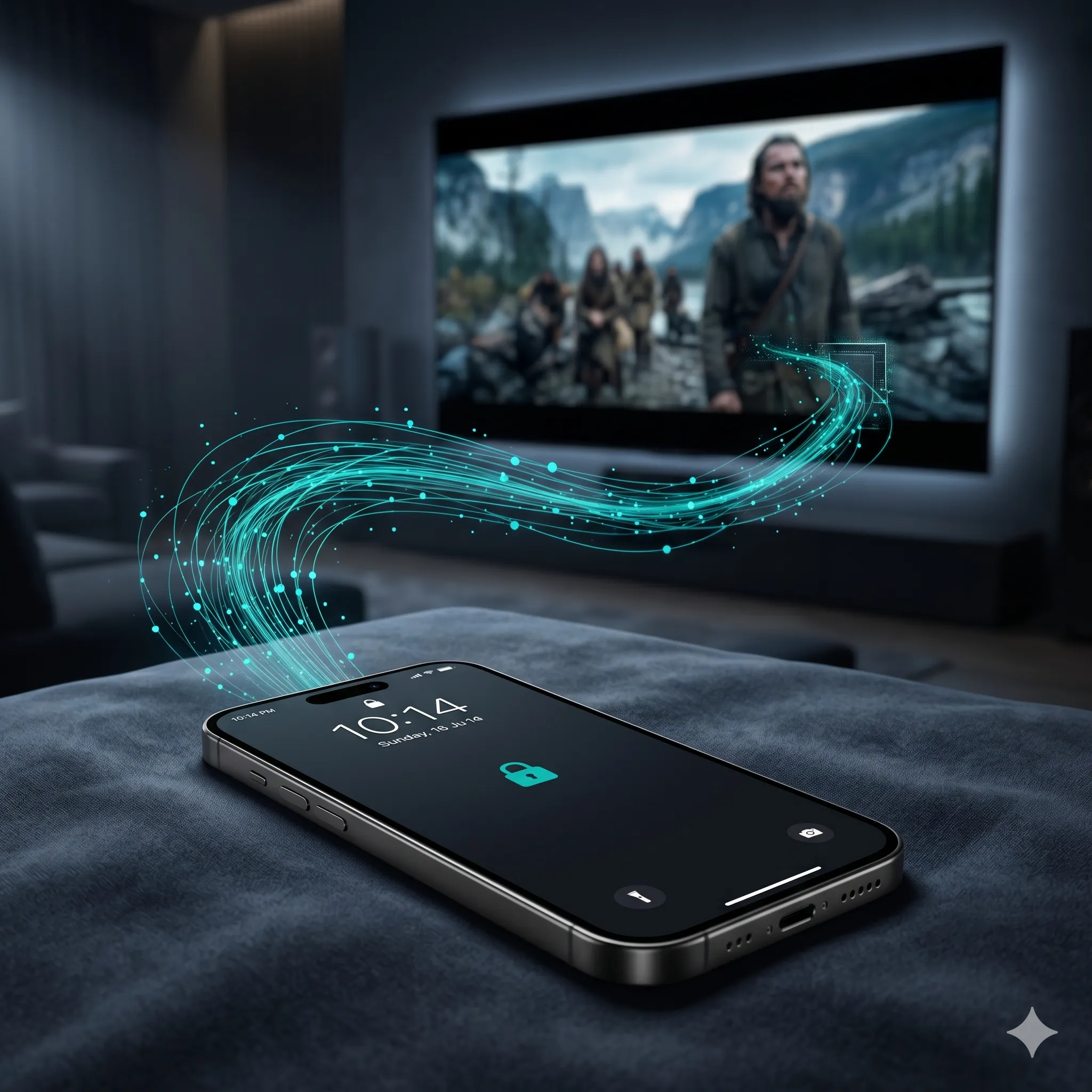
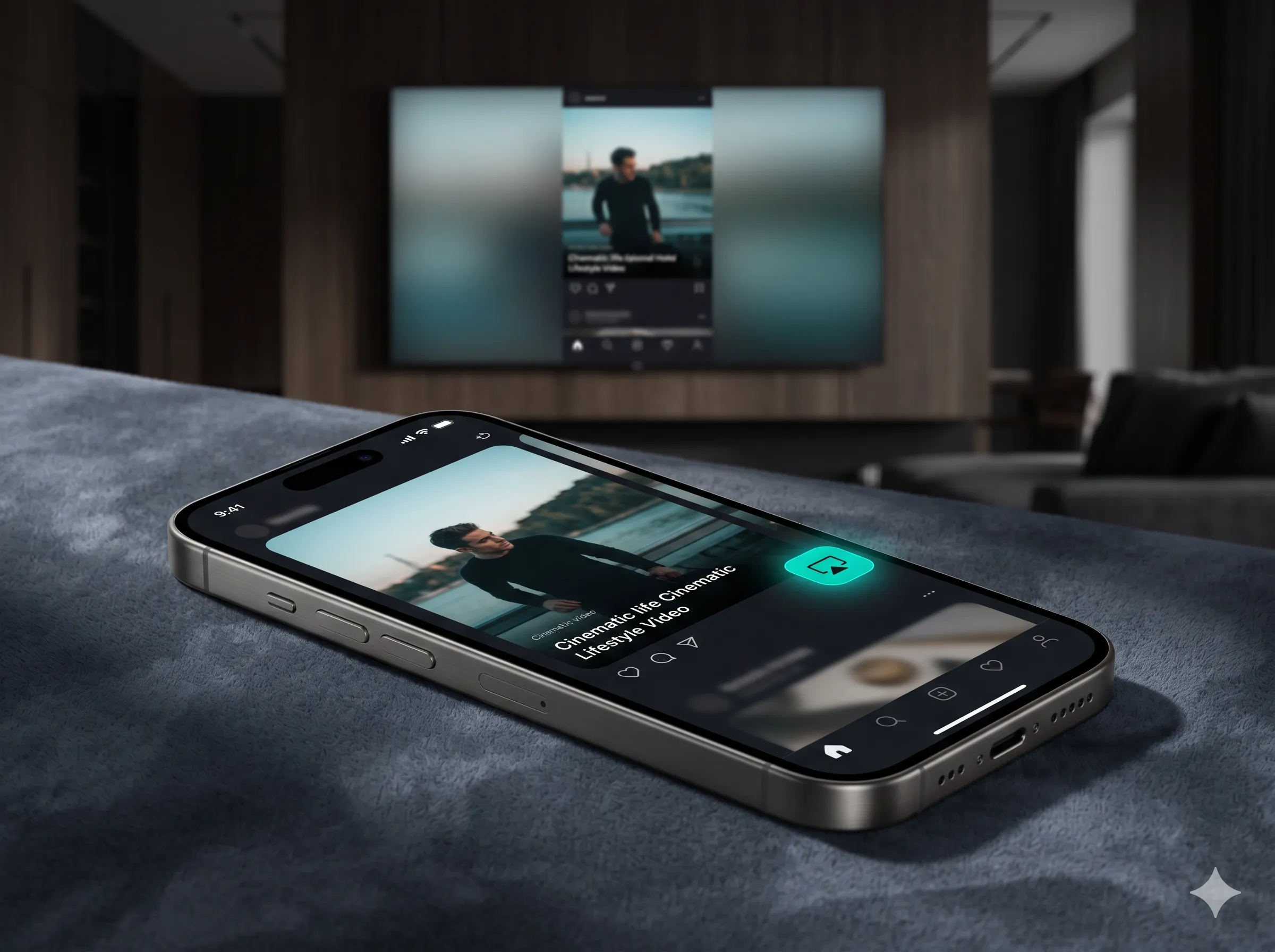
Cast any web video directly to your smart TV, easily bypassing standard AirPlay restrictions.
Cast, control, and collaborate across every Apple device and any smart TV. Ultra-low latency. Absolute privacy.
Works seamlessly with
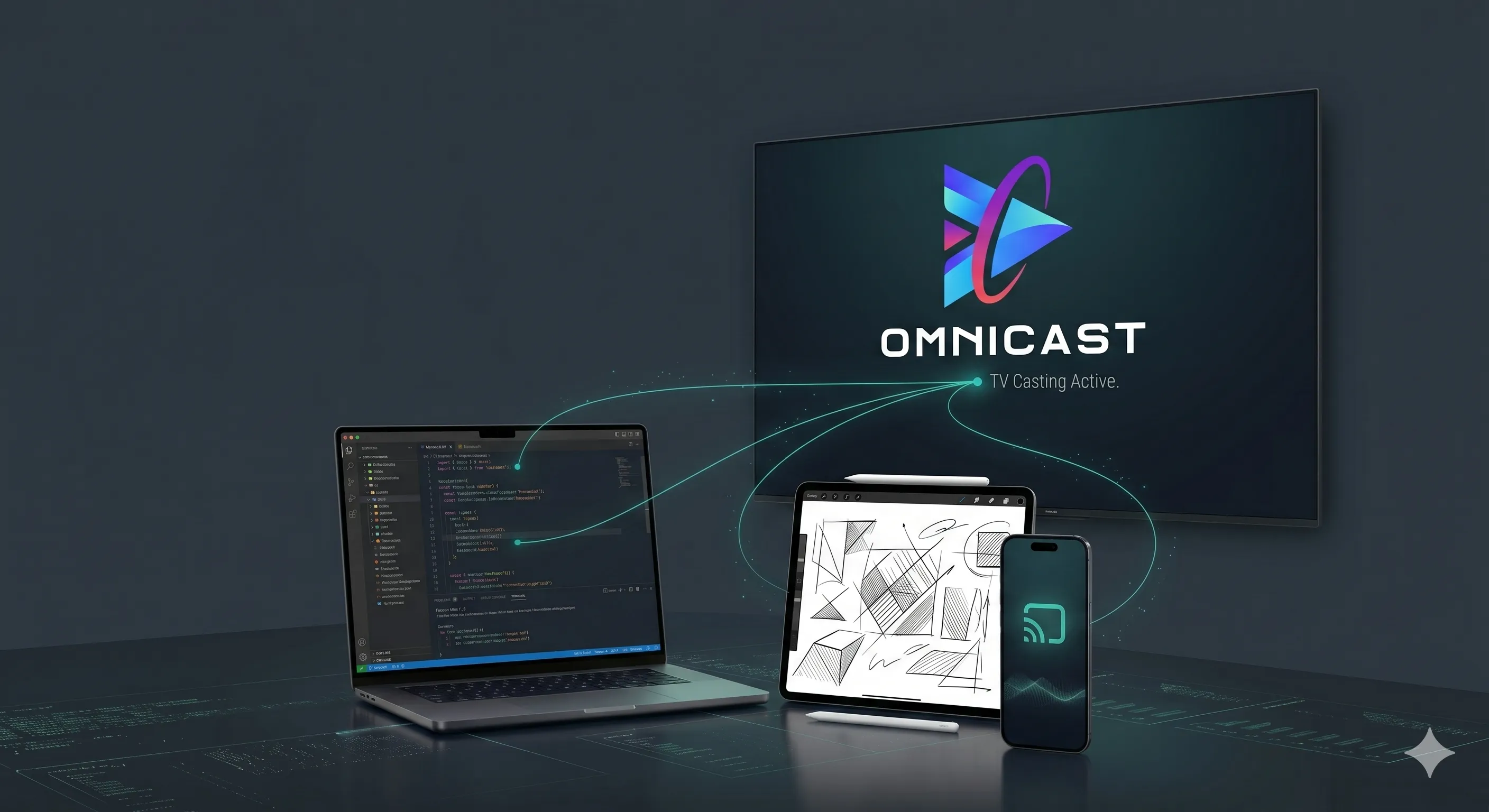
Everything you need to transform your smart TV into the ultimate second screen. Turn your Apple devices into a powerful remote, canvas, and director's chair for seamless casting, control, and collaboration.
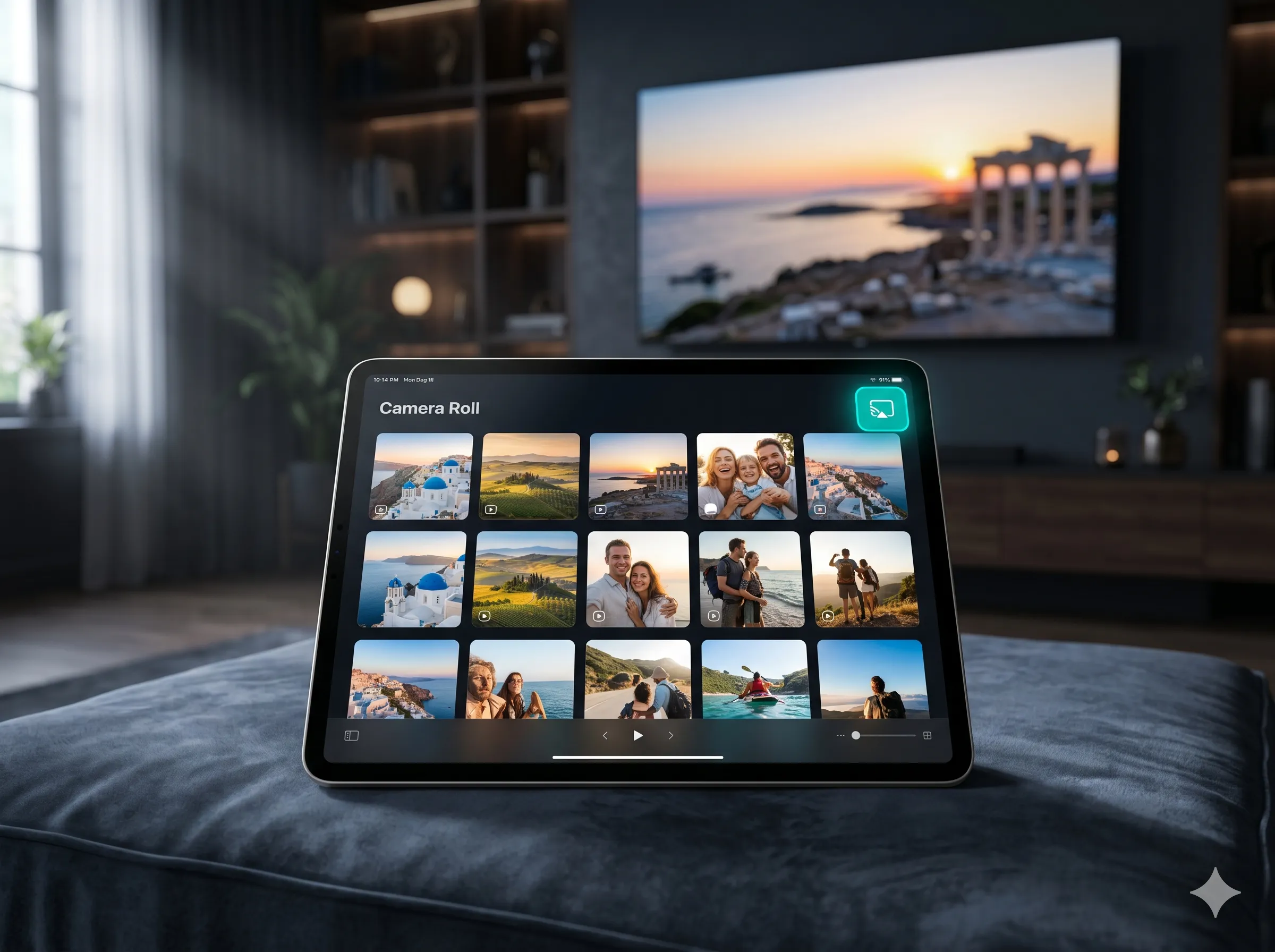
Cast any web video directly to your smart TV, easily bypassing standard AirPlay restrictions.
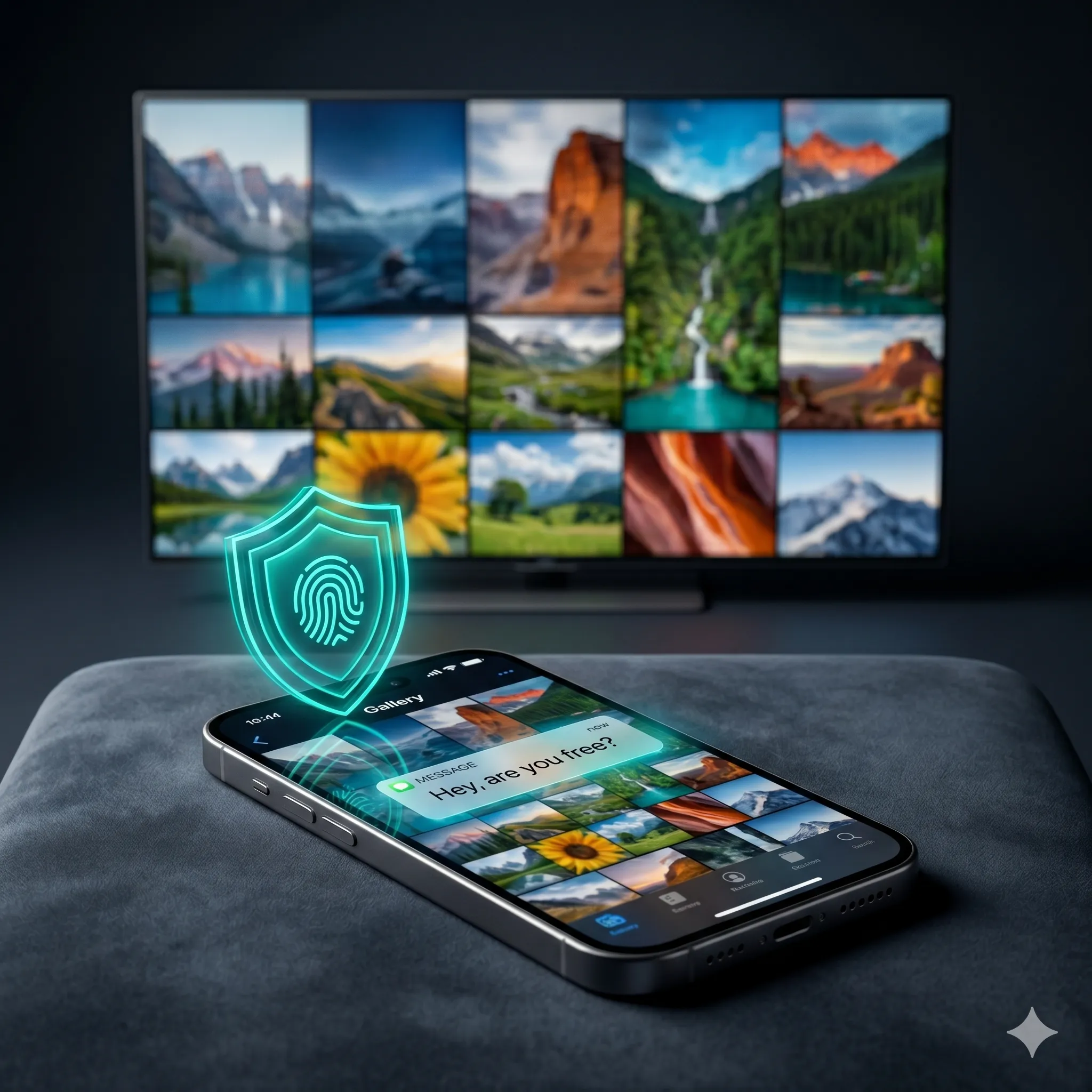
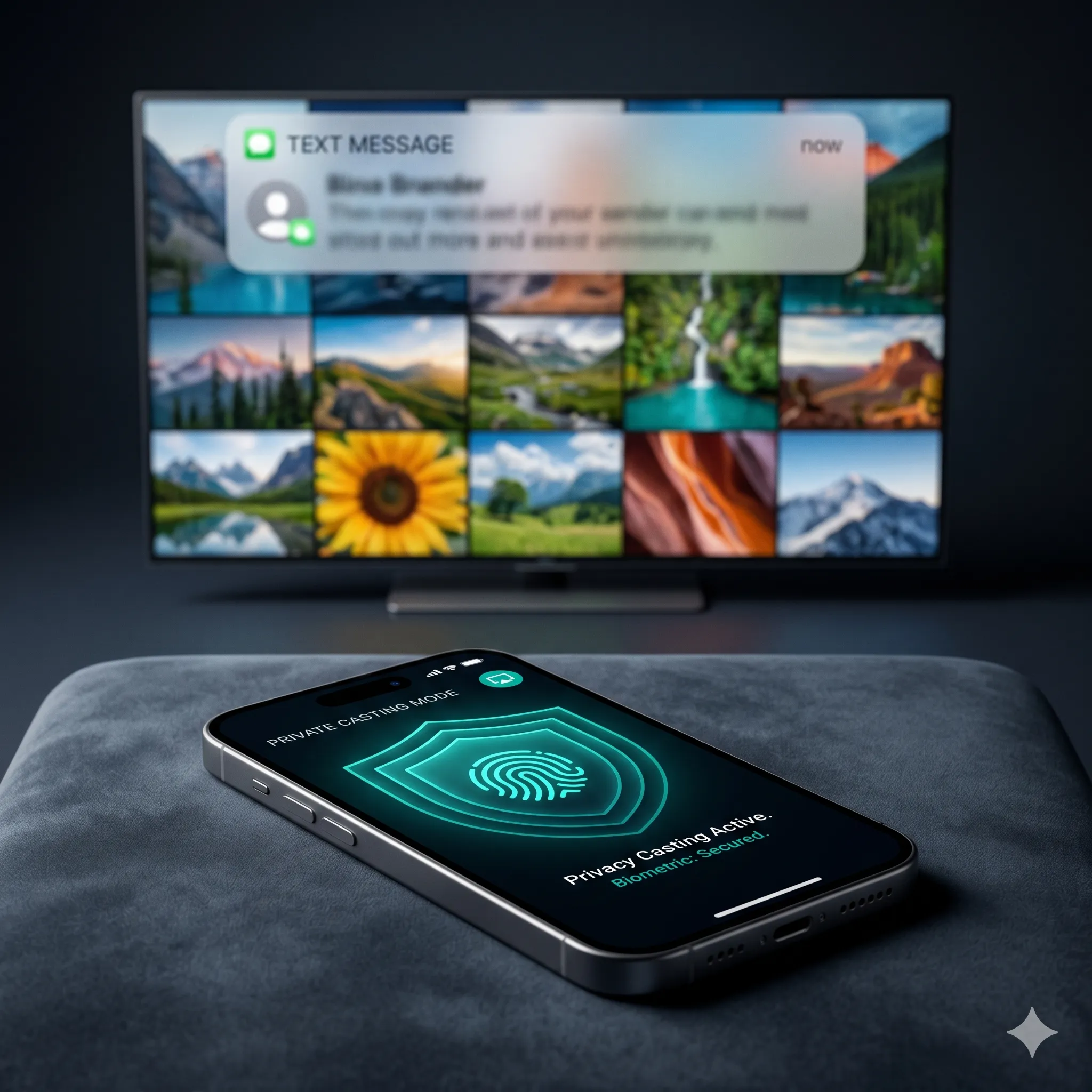
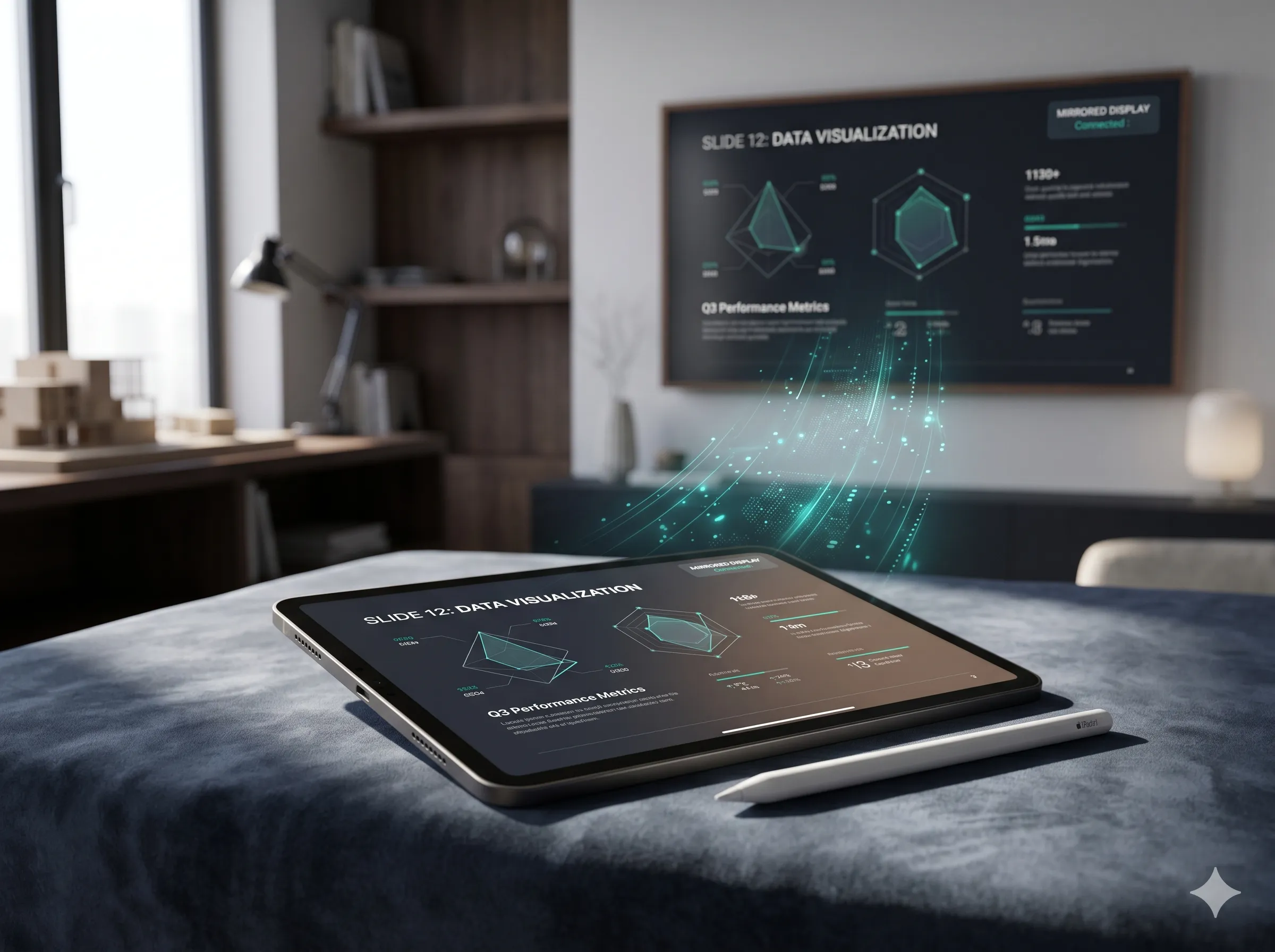
Project only what you choose to the TV, keeping personal notifications totally hidden.
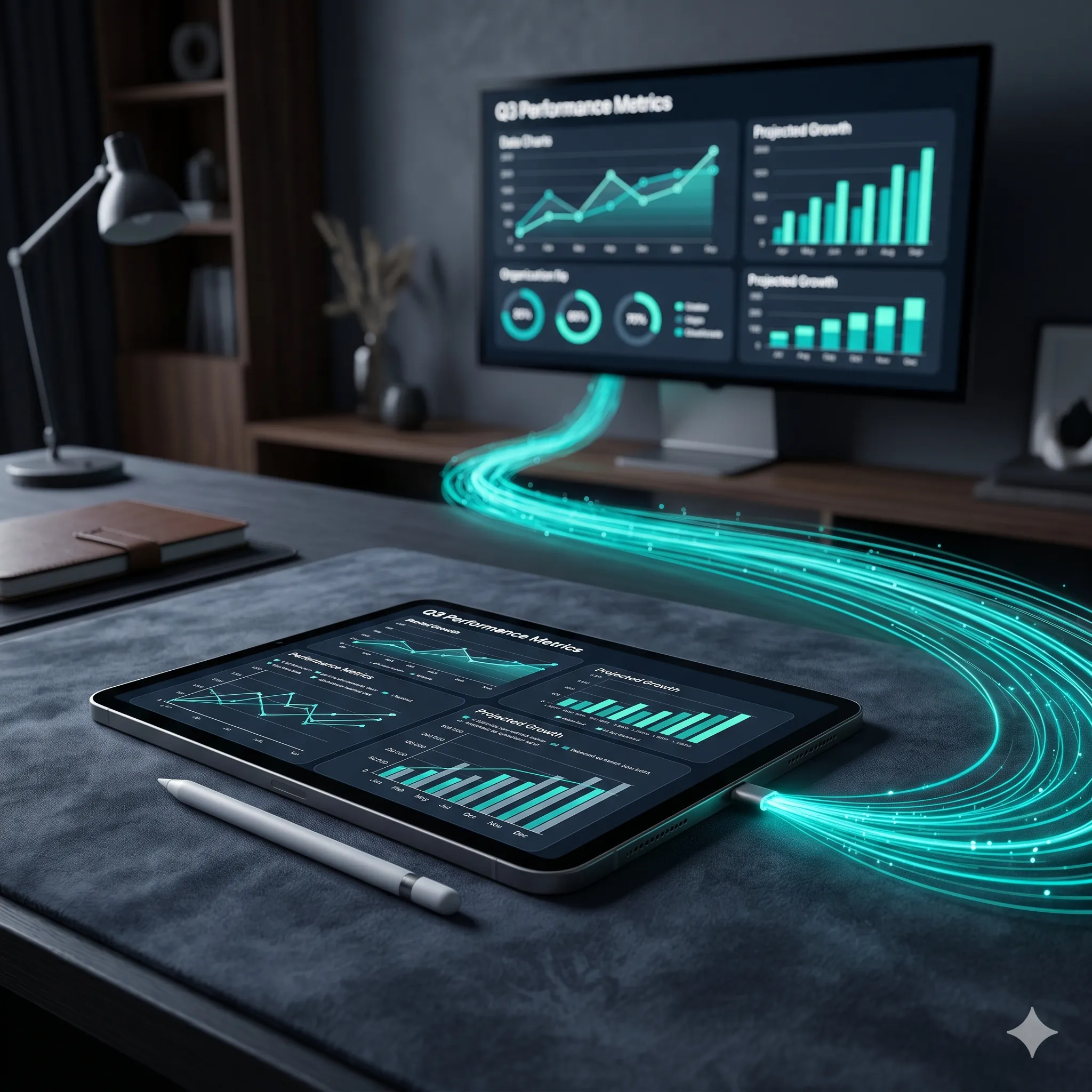
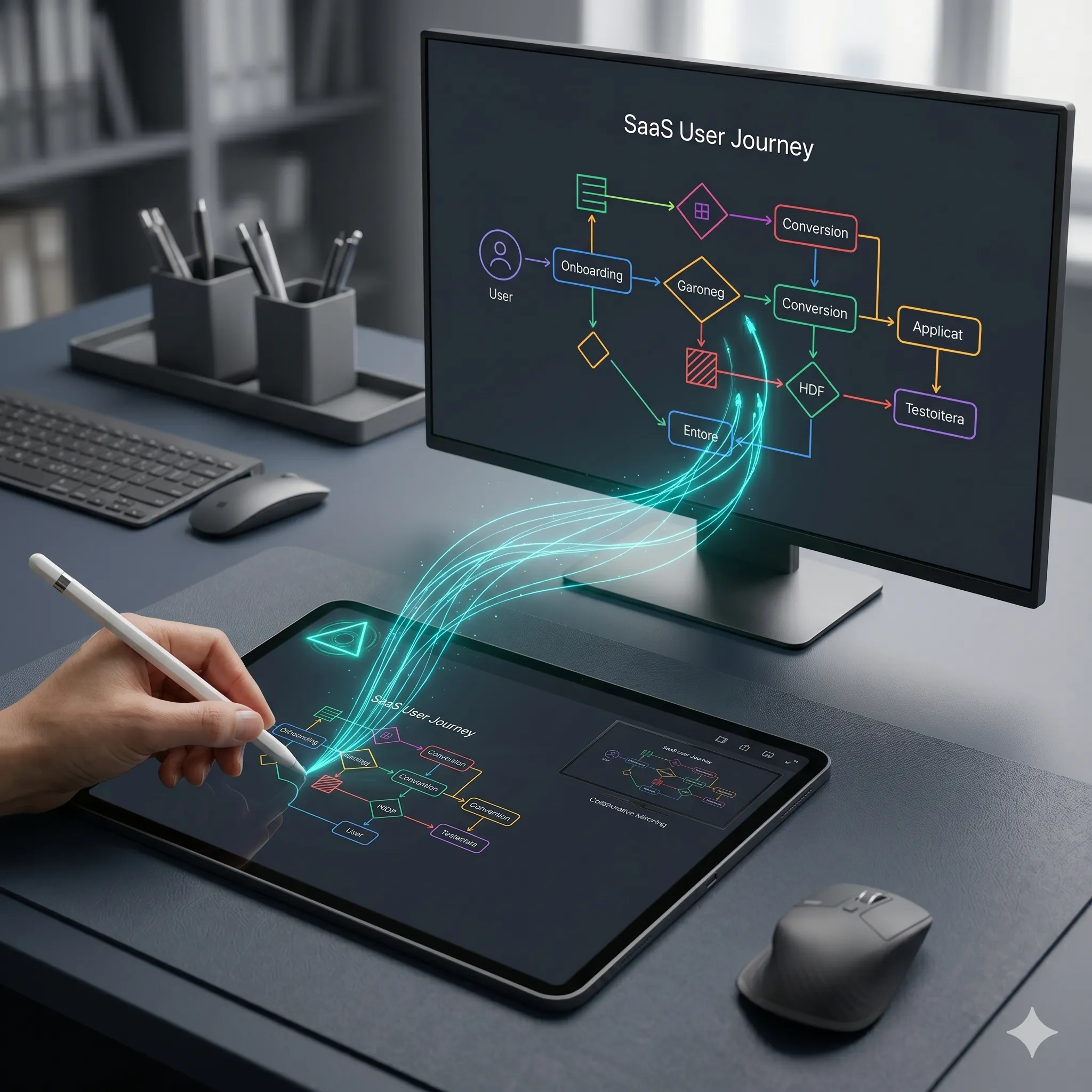
Turn your iPad and Apple Pencil into a zero-lag whiteboard for big-screen collaboration.
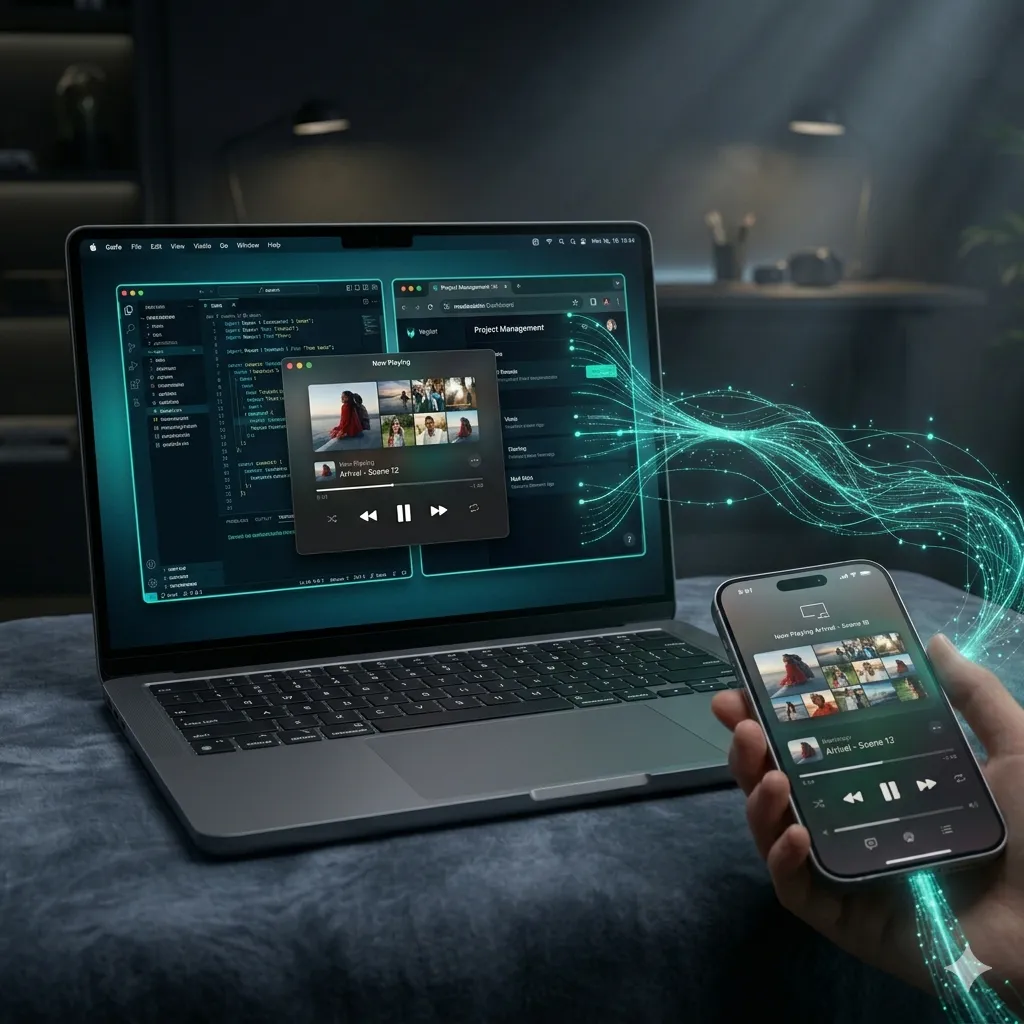
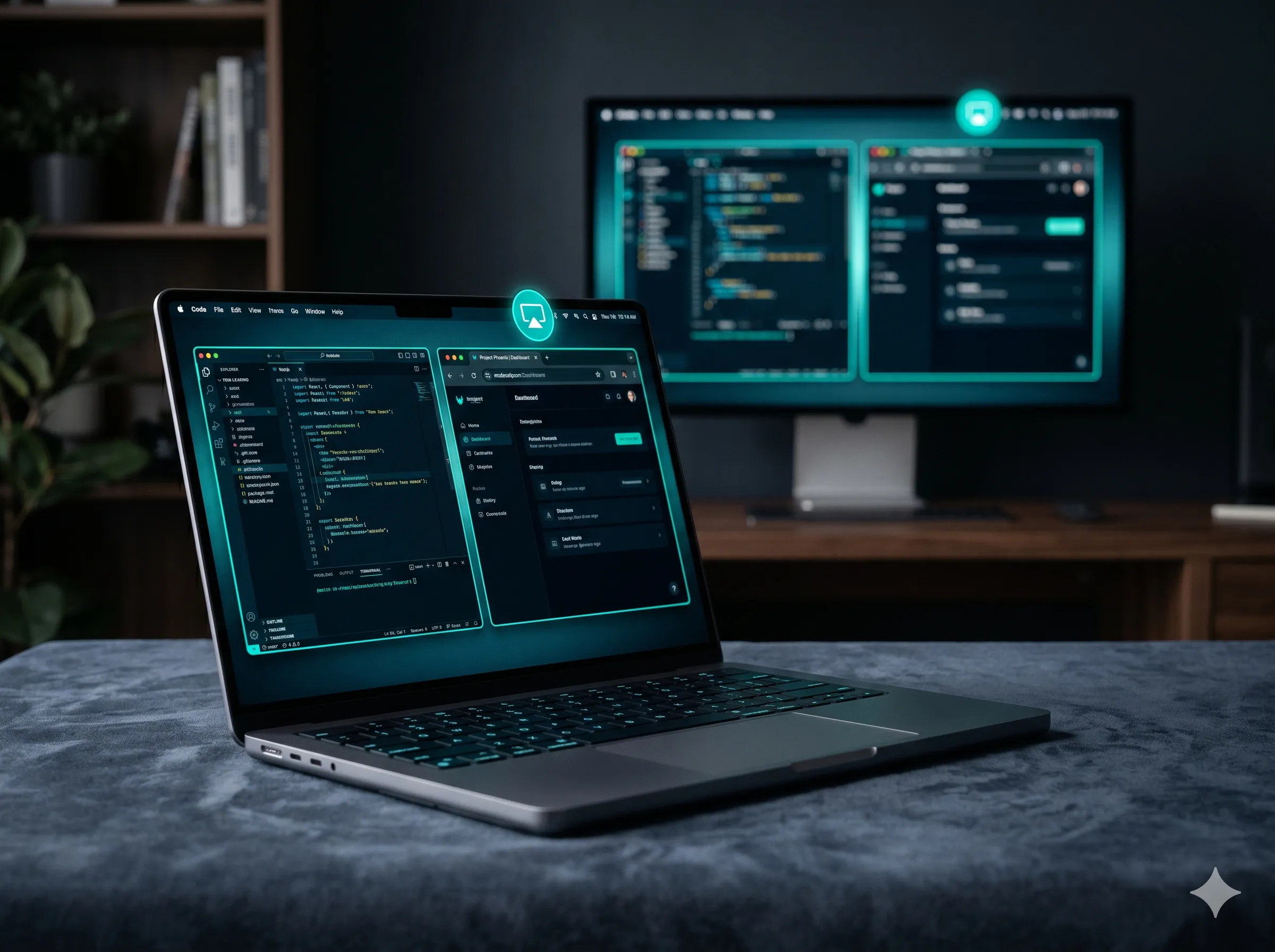
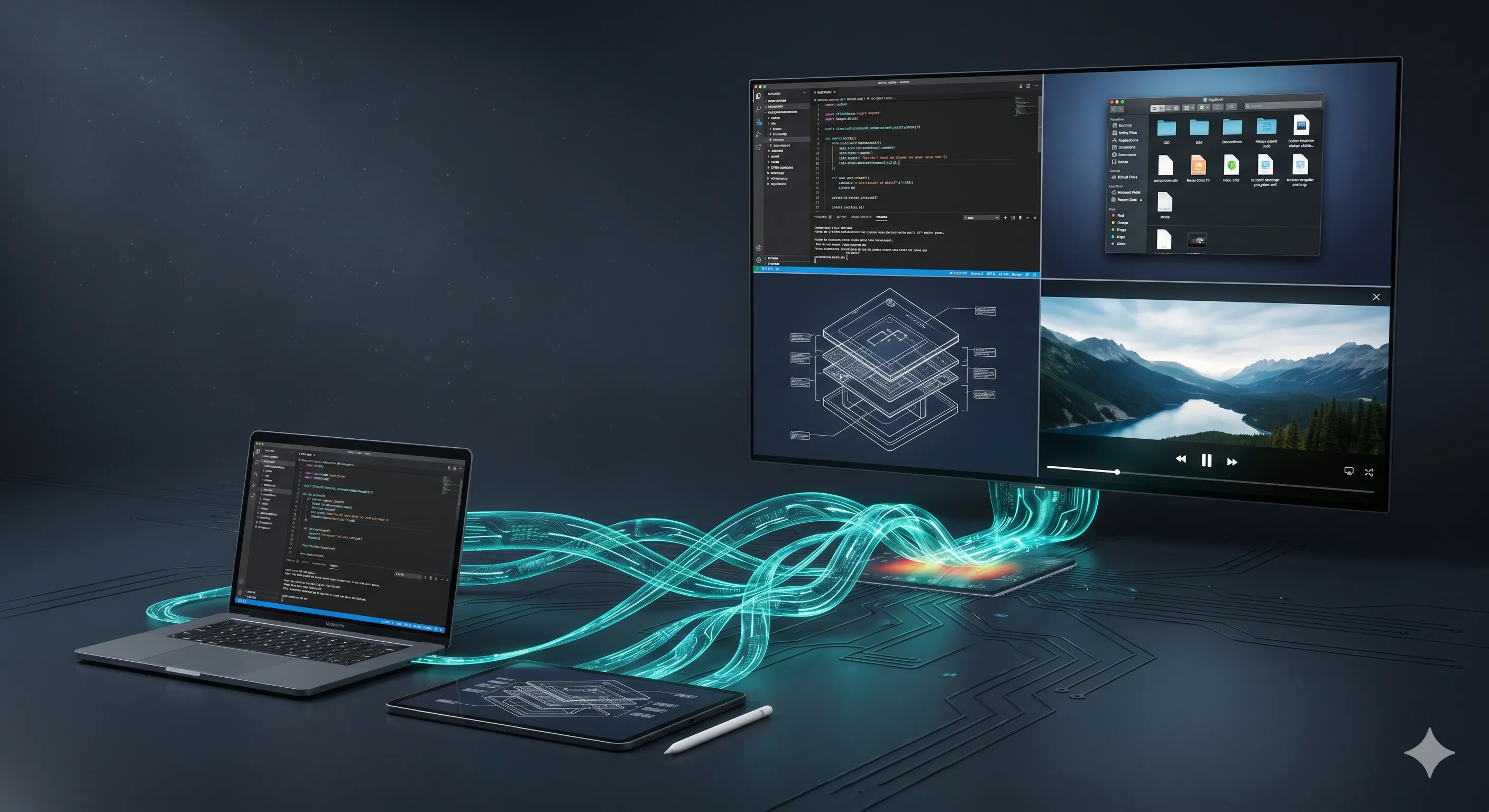
Turn your Mac into a central receiver. Cast iOS screens directly into your desktop workflow.
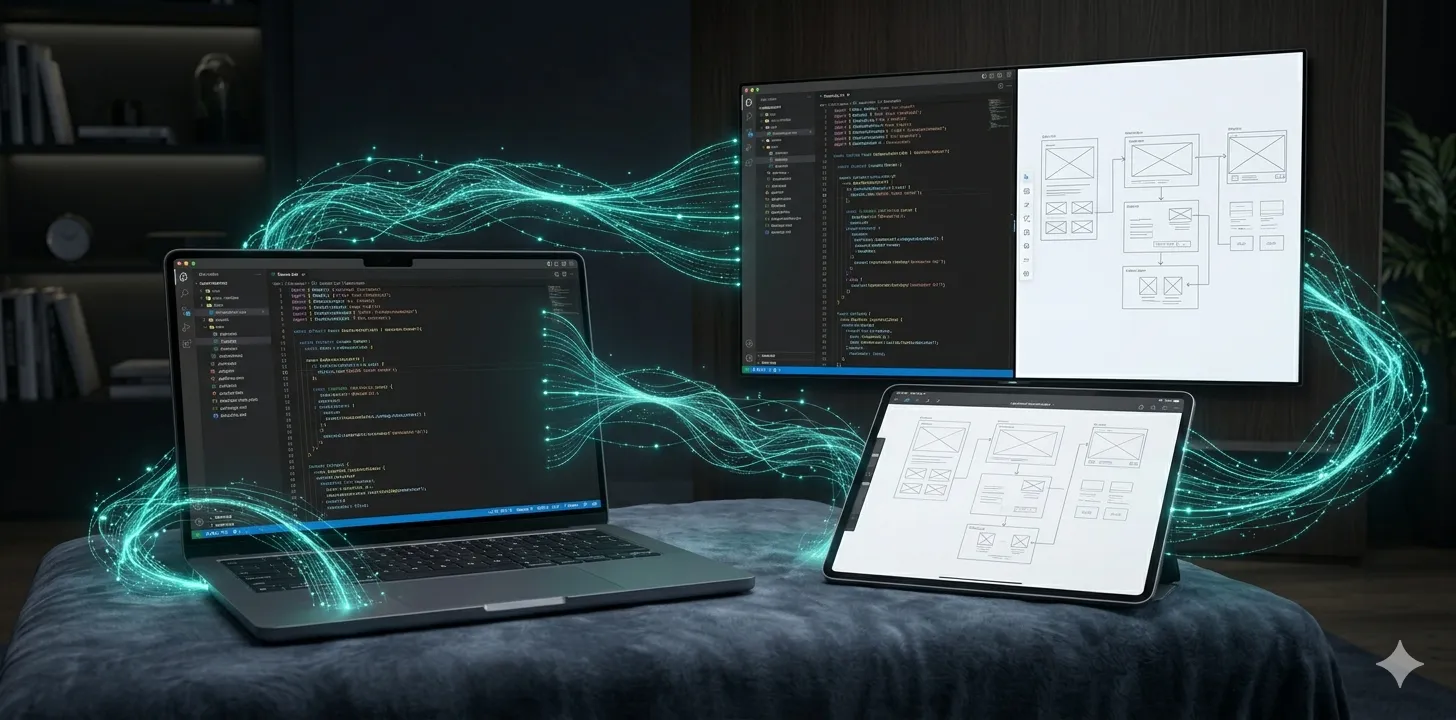
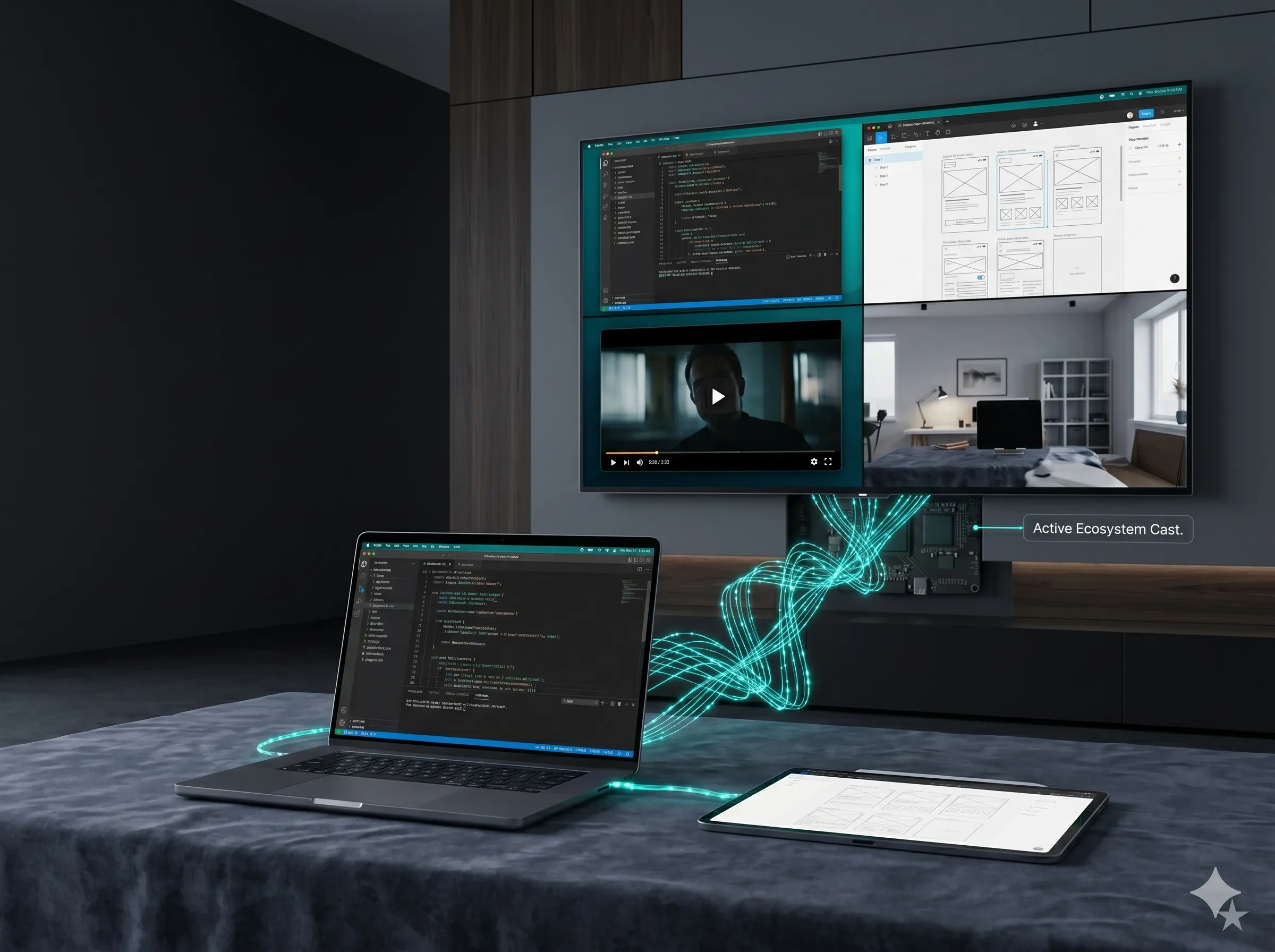
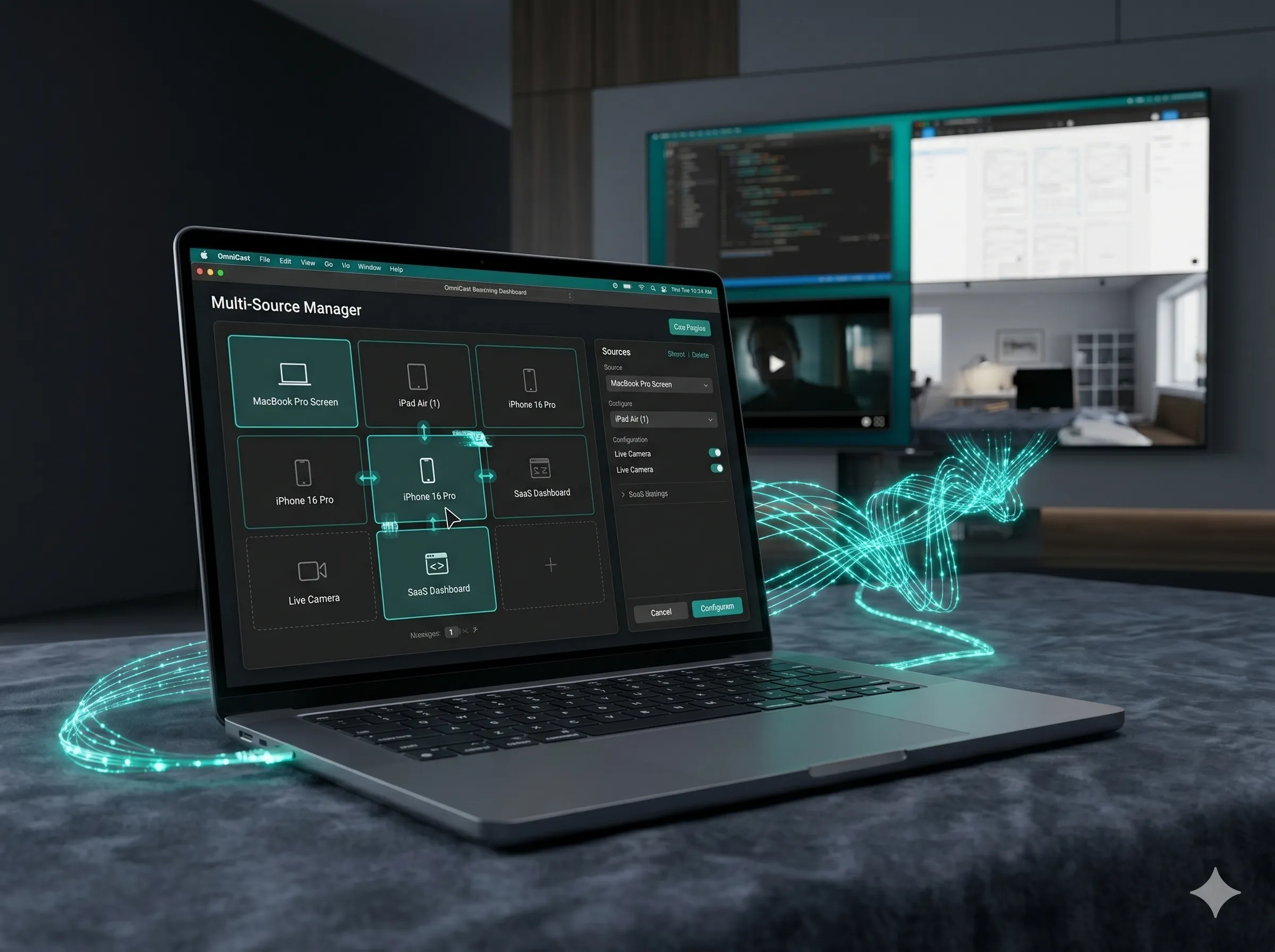
View up to four live Apple devices side-by-side to build your ultimate real-time command center.
Grab OmniCast free from the App Store on iPhone, iPad, or Mac. Setup takes under a minute.
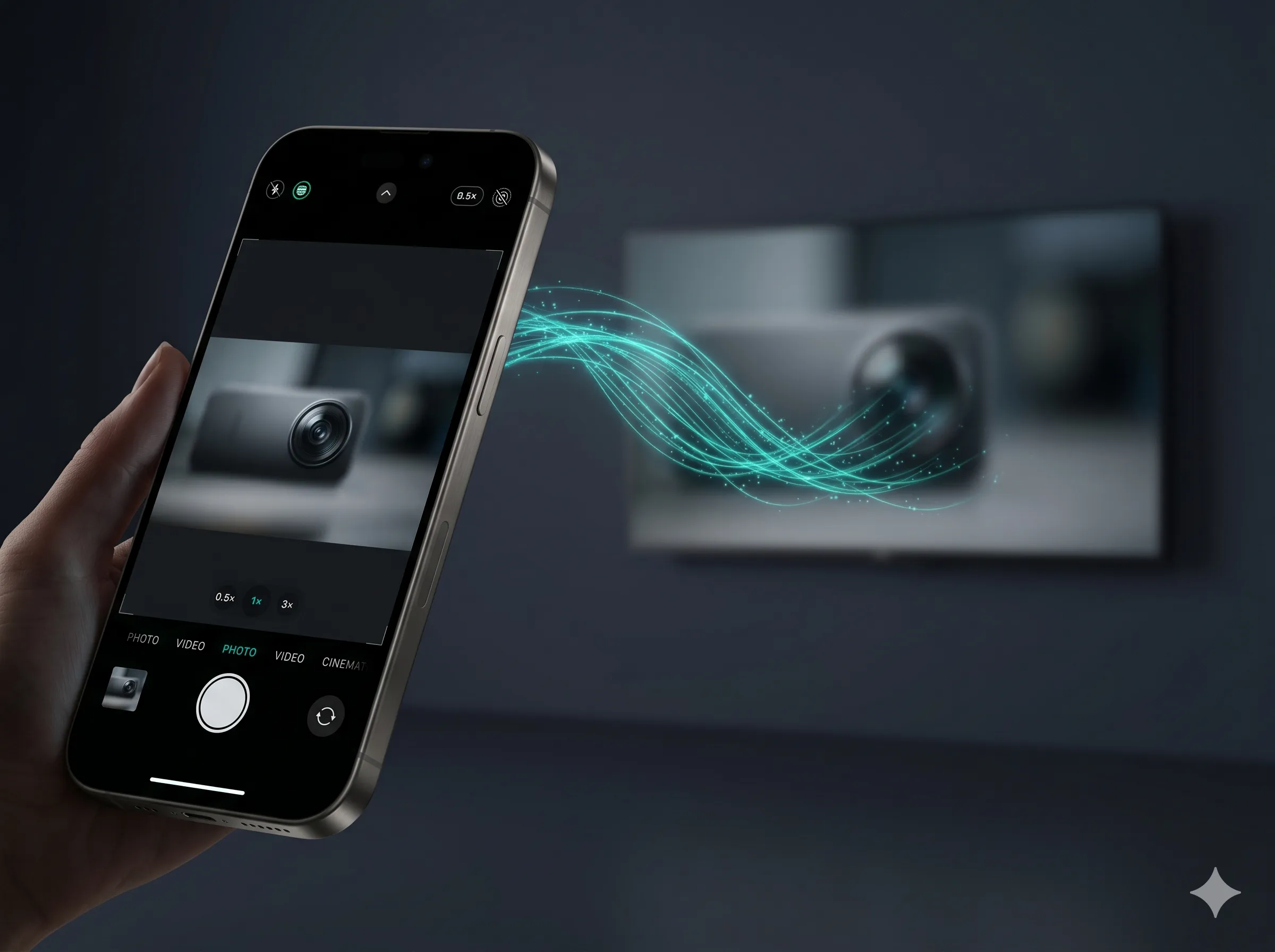
OmniCast auto-discovers any smart TV on your Wi-Fi, including Samsung, LG, Sony, Roku, Fire TV, and more.
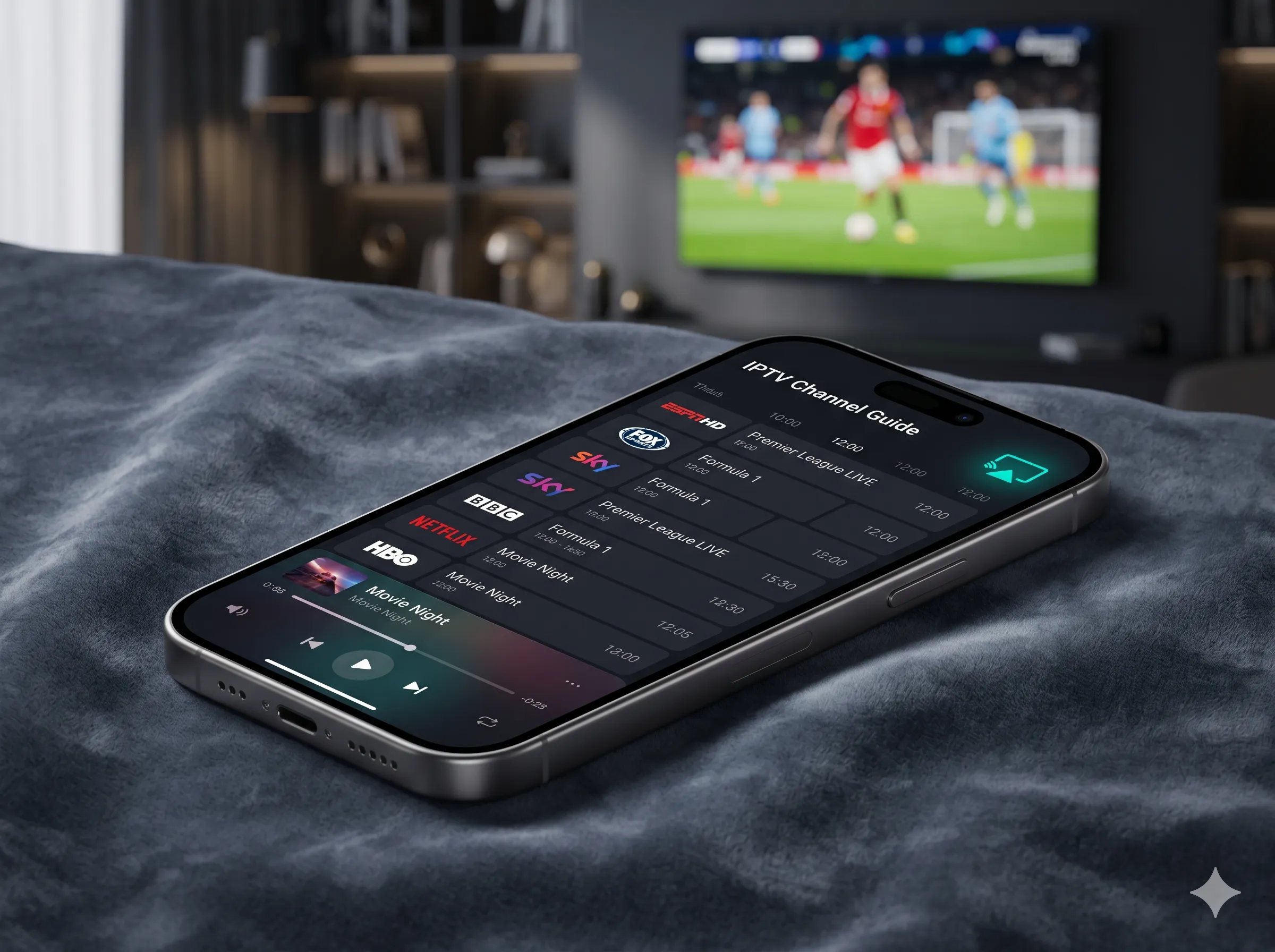
Mirror your screen, stream a web video, or take command with the Pro remote. Zero latency, zero hassle.
Explore the OmniCast toolkit. As you move from iPhone to Mac, we unlock deeper controls and even bigger capabilities.
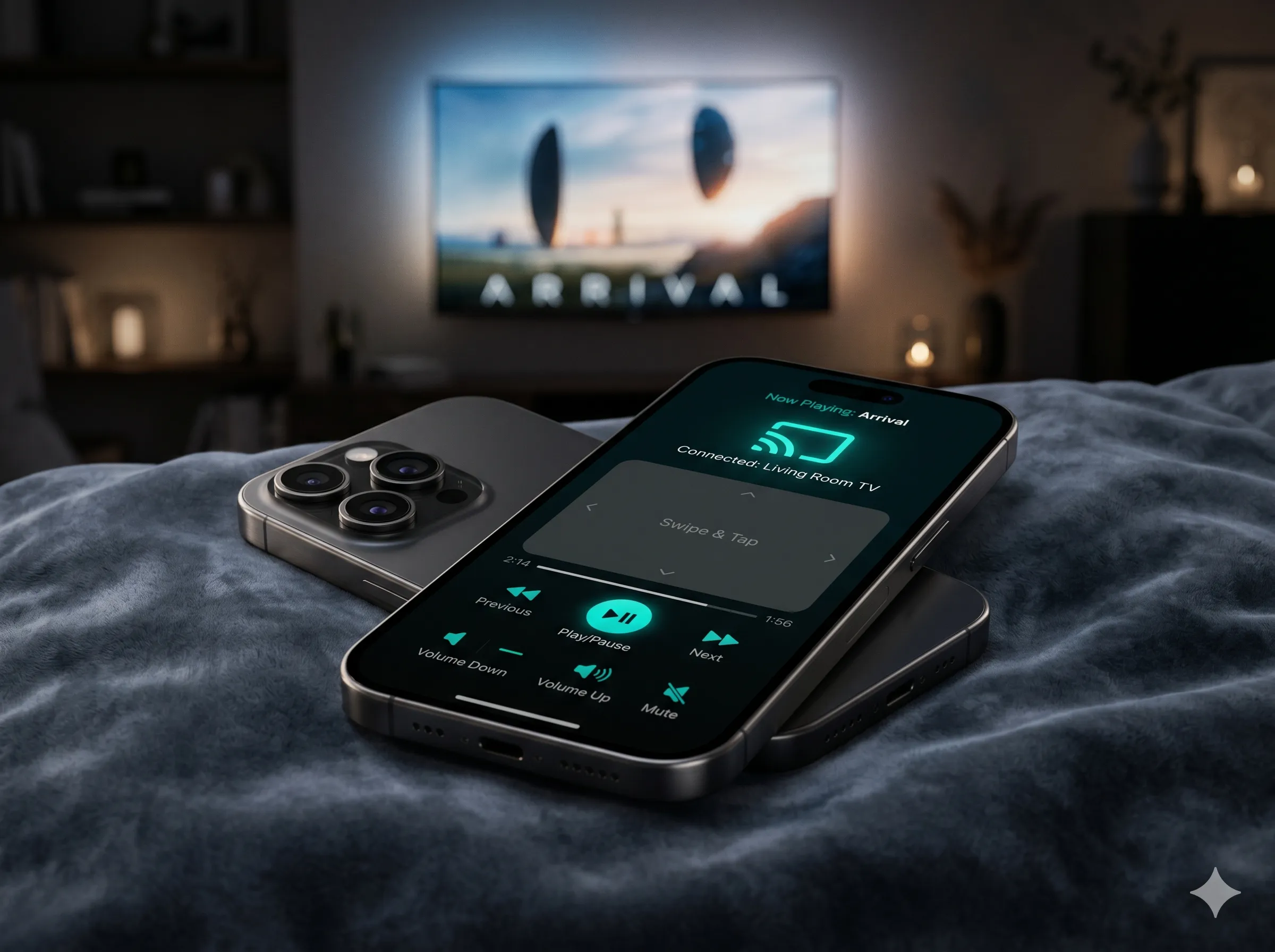
"I run training sessions every week. OmniCast turned every conference room TV into a wireless presenter. The private-preview Pro mode is a game changer."
"The multi-view feature is unreal. Two games on one TV, plus my fantasy app, all from my Mac. I cancelled my hardware splitter the same day."
"Apple Pencil → classroom TV with no perceptible lag. I've replaced my $800 smart whiteboard with an iPad and OmniCast Pro."
Start with everything you need to cast. Unlock the prosumer suite when you're ready.
For casual casting and everyday remote control.
Prosumer power for creators, presenters & power users.
OmniCast works with virtually every smart TV released since 2018, including Samsung, LG, Sony, Vizio, Hisense, and TCL, plus Roku, Fire TV, Android TV, and Chromecast devices. If your TV is on Wi-Fi, OmniCast almost certainly supports it.
AirPlay is great when both devices are Apple. OmniCast extends that magic to every TV, including ones that don't speak AirPlay, and adds Pro features Apple doesn't ship: web-video casting, multi-view, SafeCast private preview, Apple Pencil whiteboard, and a true universal remote.
SafeCast is OmniCast Pro's private-preview mode. Your phone shows everything; the TV only shows what you choose to push. Perfect for sales demos, classrooms, and anyone who hates revealing notifications mid-presentation.
Casting works fully offline as long as your devices are on the same Wi-Fi or hotspot. An internet connection is only needed for first-time setup, app updates, and online streaming sources.
Yes. Every new account gets 7 days of OmniCast Pro free. No credit card required for the trial. Cancel anytime in Settings.
Your screen, your control. Casts are end-to-end encrypted on your local network and never traverse our servers. We collect zero content data. See our Privacy Policy for the full breakdown.
Yes. With Apple Link (Pro), your Mac becomes a hub that receives casts from up to 4 Apple devices simultaneously, and Multi-View arranges them on a single TV.